
Isolated by default
A user of its own, seccomp, a read-only system, network rules and disk quotas for every website.
Linux · Containers · Free
A free hosting control panel. Every website runs in its own container. Your customers get a clear panel; you get a platform that is easy to run.
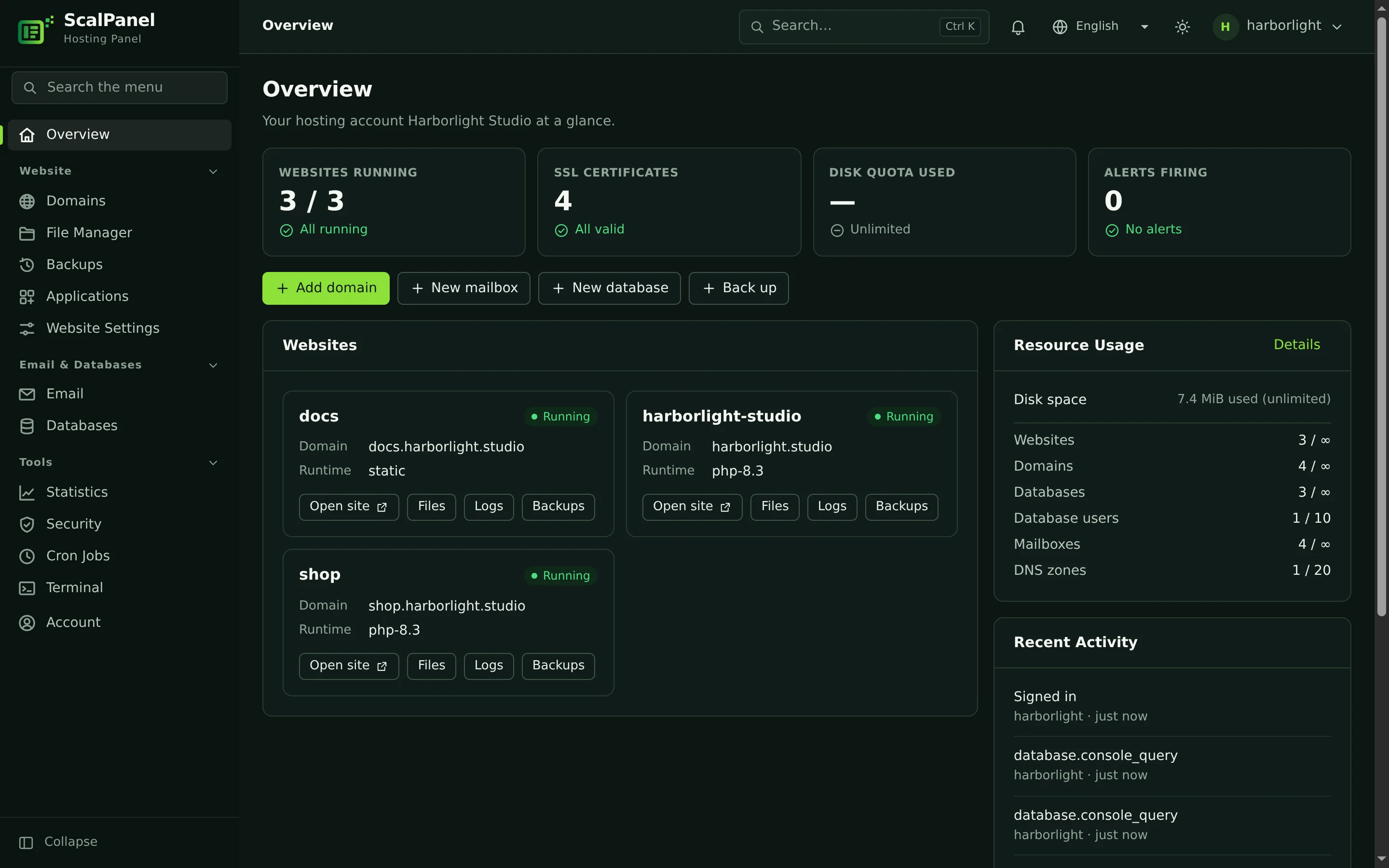
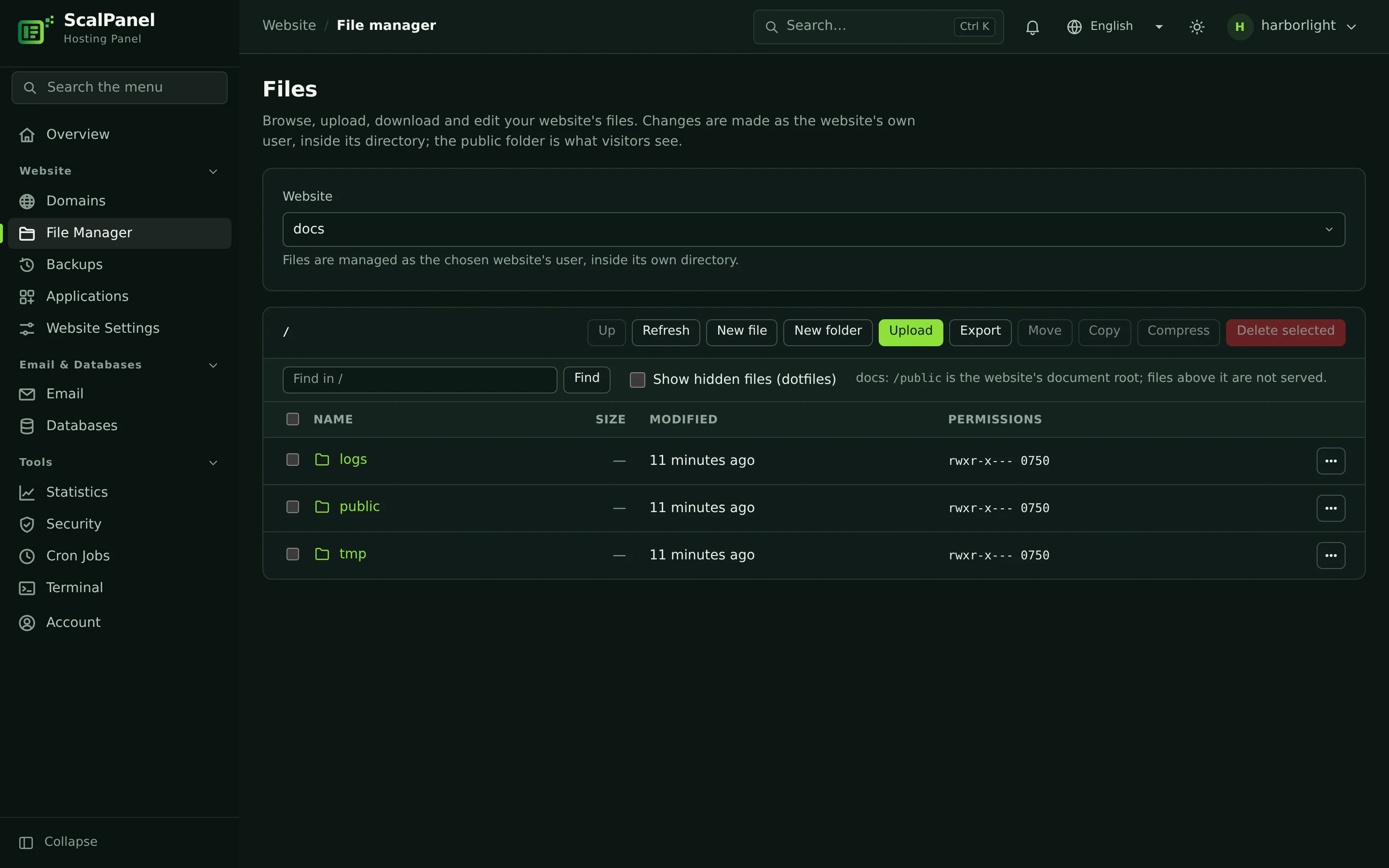
Each website gets its own container, user, limits and web server. A compromised site is confined to its own container, and limits keep a busy one to its share. How isolation works
A user of its own, seccomp, a read-only system, network rules and disk quotas for every website.
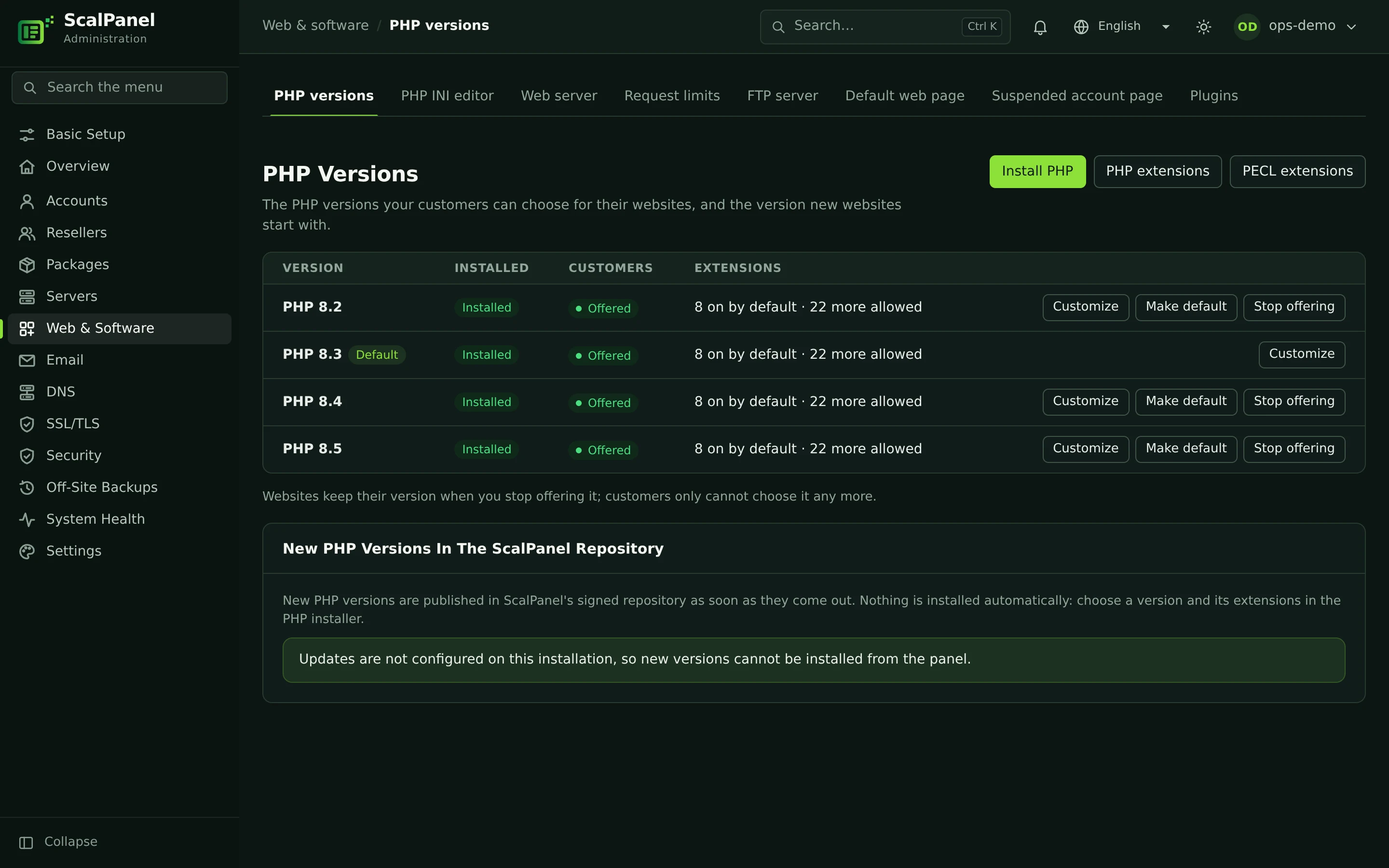
PHP 8.2 to 8.5 and the ionCube Loader, Node.js, Python and Ruby, or any container image such as Ghost or n8n.
Nginx, Apache, OpenLiteSpeed, LiteSpeed Enterprise or ScalWS. Switch the whole server from one page.
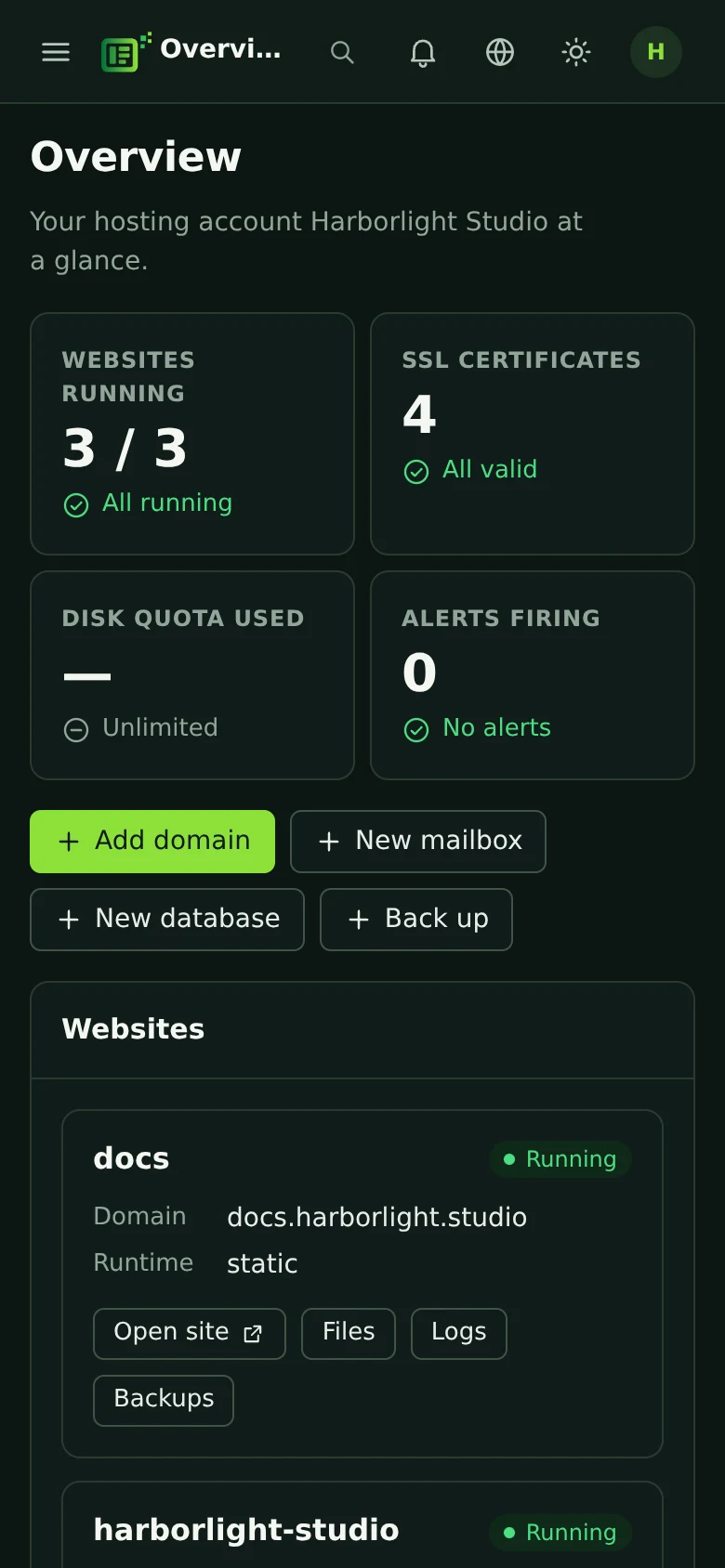
Hosting panel
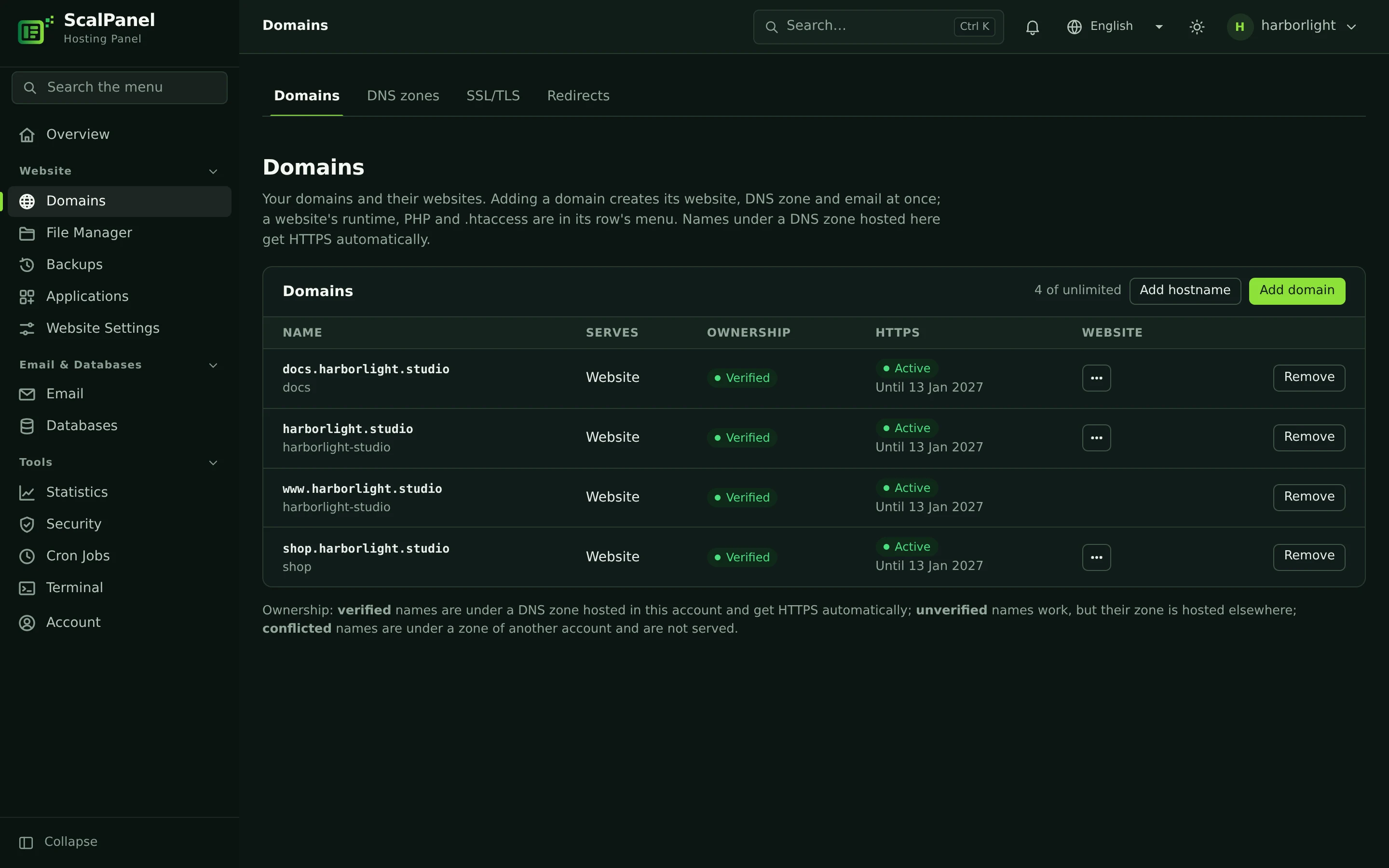
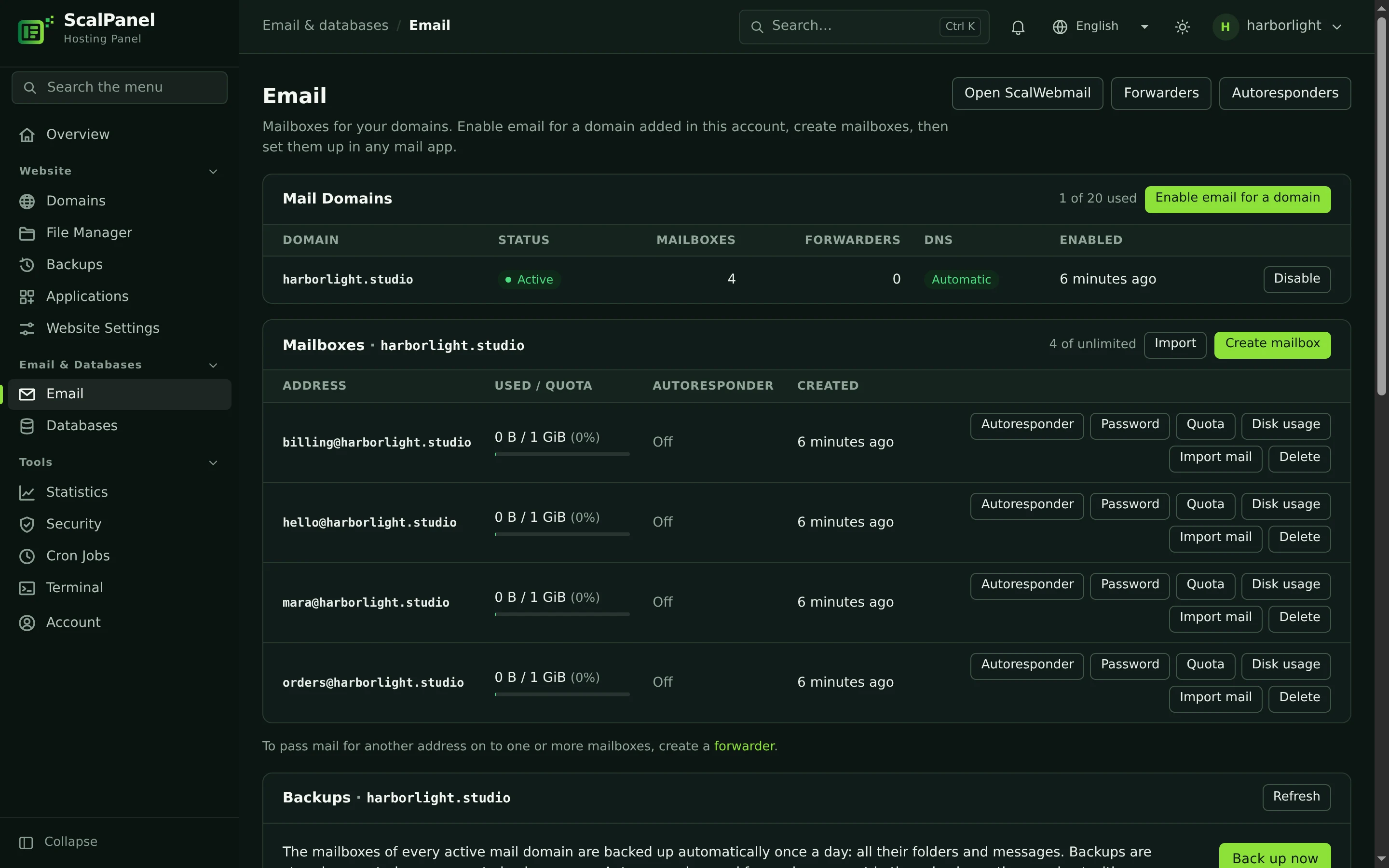
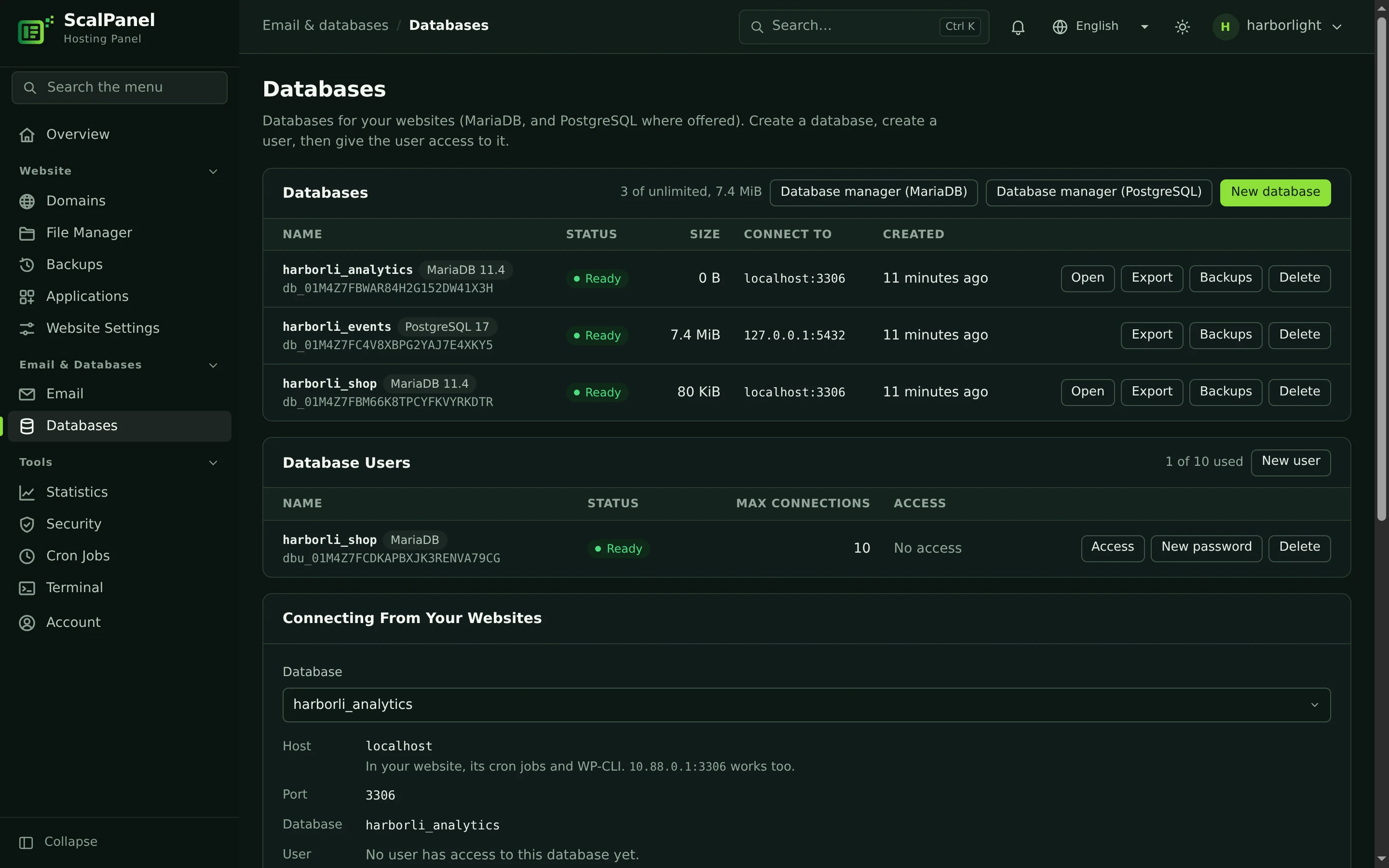
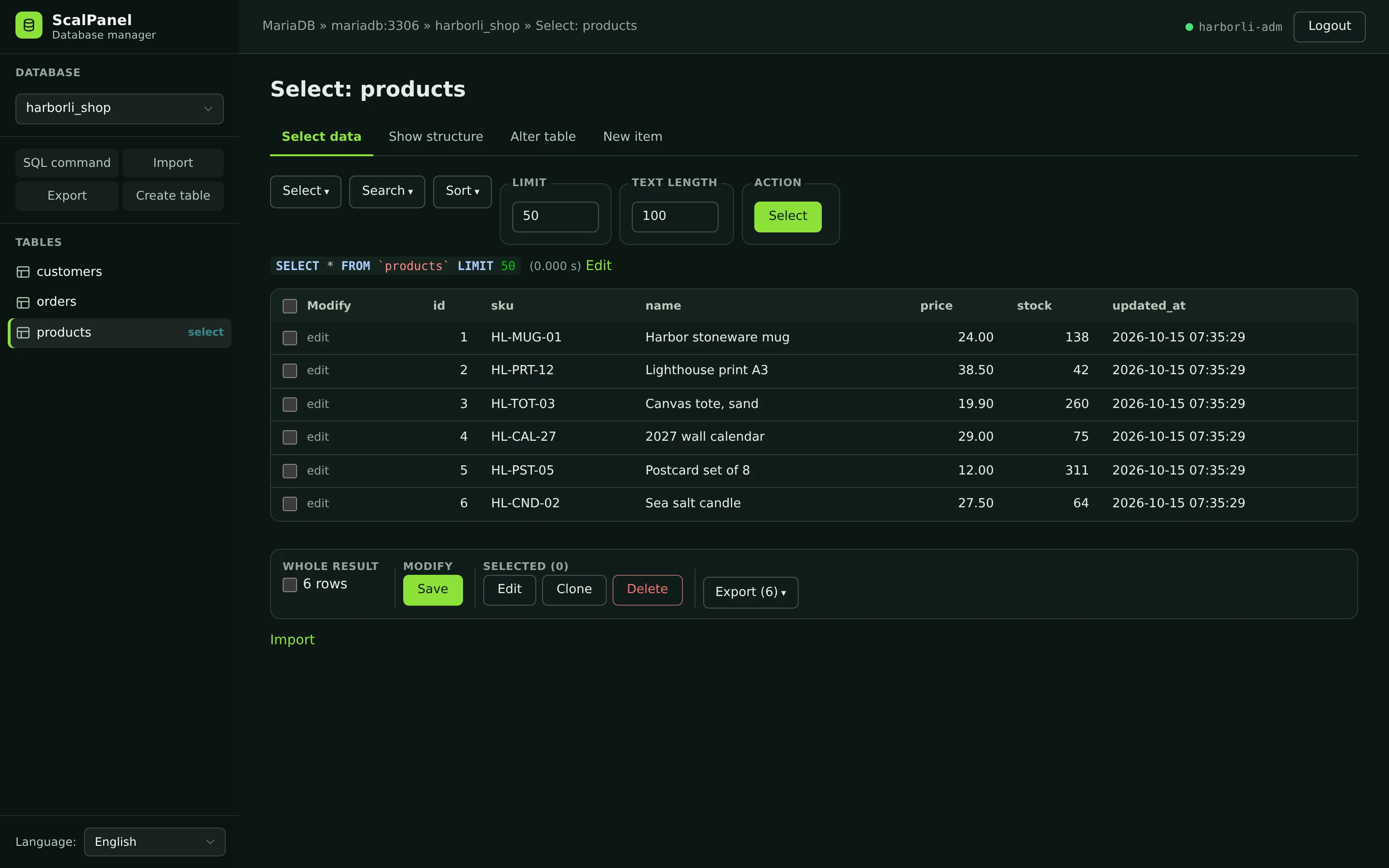
One click in the panel signs you in with a single-use ticket. You see the databases of your own account, on every engine, and nothing that belongs to anyone else.
For providers
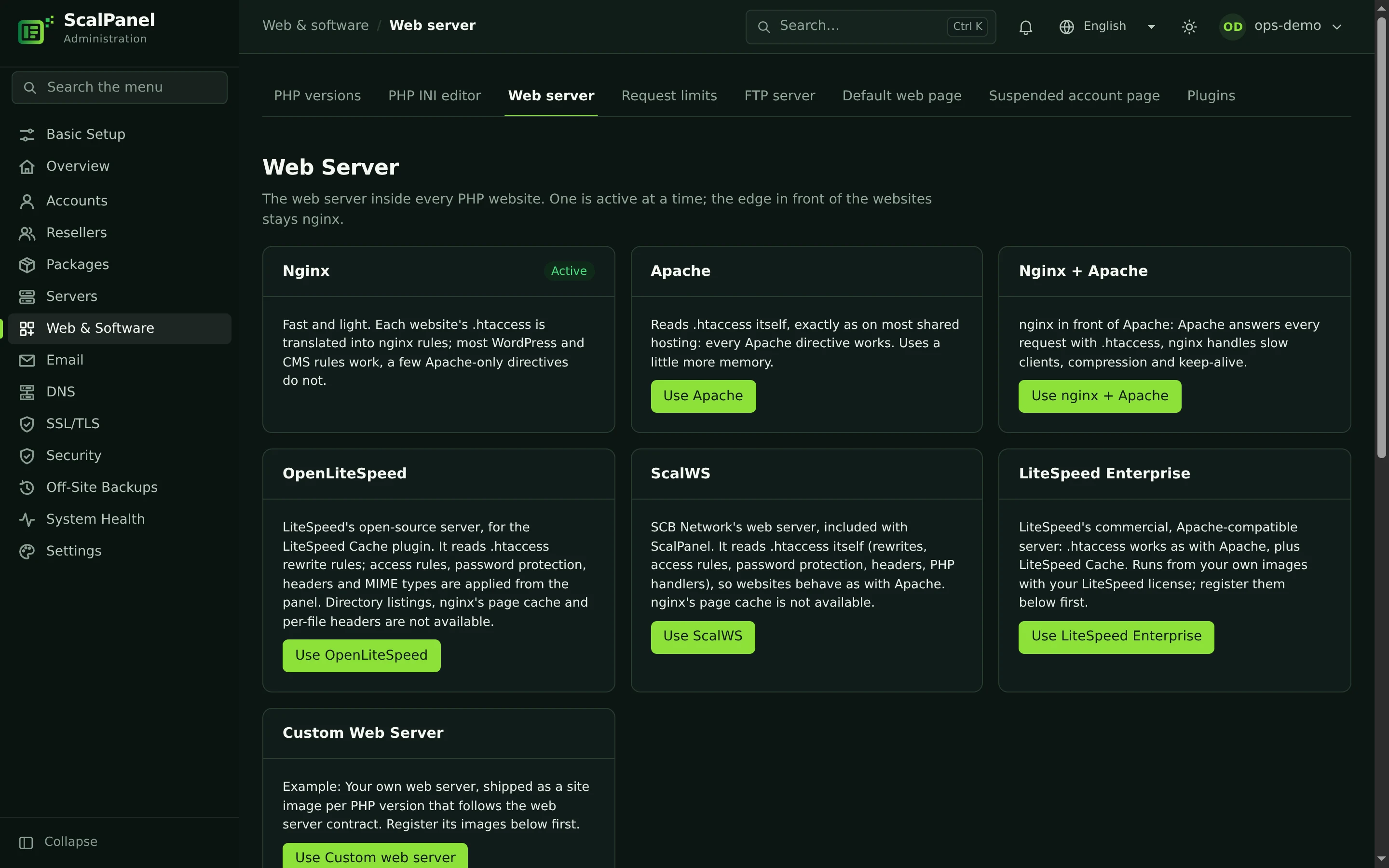
Packages, feature lists, their own nameservers, logo and colours.
A REST API with clients for Python, PHP and TypeScript, webhooks for alerts and account events, and AI assistants over MCP.
WHMCS and Blesta modules create, suspend and resize accounts for you.
Every action is written to the audit log, and every release is signed before a server takes it. The security architecture and its threat model are public.
Add ScalGuard for malware scanningHow it works
Short answers from the code as it is today. The documentation has the details, including what ScalPanel does not do.
Docker, with its default runtime. All capabilities are dropped, no-new-privileges and a stricter seccomp profile are set, the system is read-only, and each website has its own user ID. Each website also runs in its own user namespace, so its root is an unprivileged user on the host (Linux 5.12+ with ext4 or xfs; Admin → Nodes shows which nodes do). On Ubuntu and Debian every website also runs under an AppArmor profile. The node itself is privileged. Isolation
CPU, memory and processes per website and per account through cgroups; disk I/O per account when you set it. Disk space and inodes are hard limits per website on a filesystem with project quotas, and a soft limit checked by the panel otherwise. Packages and limits
No. Traffic between websites, and to private and cloud metadata addresses, is dropped. Outgoing traffic is TCP to the ports you allow (80 and 443 by default). Network isolation
Yes. PHP-FPM and the web server you choose run inside the website's container, as its user, behind a shared edge nginx. Web servers and .htaccess
They are shared services: one mail server, and one MariaDB server with a user and password per database. Websites reach databases only through a proxy on their server. Shared services
Backups of websites, databases and mailboxes, daily or up to hourly, kept 14 days by default plus weekly and monthly copies if your package says so, and copied off the server to one or more destinations (Amazon S3, SFTP, FTP over TLS, Google Drive or a backup node of your own). Customers restore single files, folders, whole websites, databases and mailboxes. A terminated account can be restored in one step while its backups are kept. Backups
cPanel and DirectAdmin accounts, and Plesk subscriptions over SSH: files, databases, mail with its passwords (where the hash allows, on cPanel and DirectAdmin), DNS, domains and cron jobs. Migration matrix
Nothing. ScalPanel is free, with no fees per account, domain or server. LiteSpeed Enterprise needs your own licence from LiteSpeed. Licensing
Requirements
The installer checks these before it changes anything on the server, and installs Docker itself when it is missing.
ScalPanel needs a server without another web or mail service. These ports must be free:
25110465587993995mail: SMTP, POP3 and IMAP80443websites (443 also over UDP for HTTP/3)2130000–30049FTP and its passive data connections207820802083208720922096the panels, webmail, database manager, Web Disk, calendars and contacts2222SSH and SFTP for accounts13306–1331515432–1544137017–37026remote access to hosted MariaDB, PostgreSQL and MongoDB databases, closed until you allow an addressOn a fresh server, as root. It sets up everything, and updates come from the admin panel.
curl -fsSL https://scalpanel.scalws.com/install.sh | sudo bash